
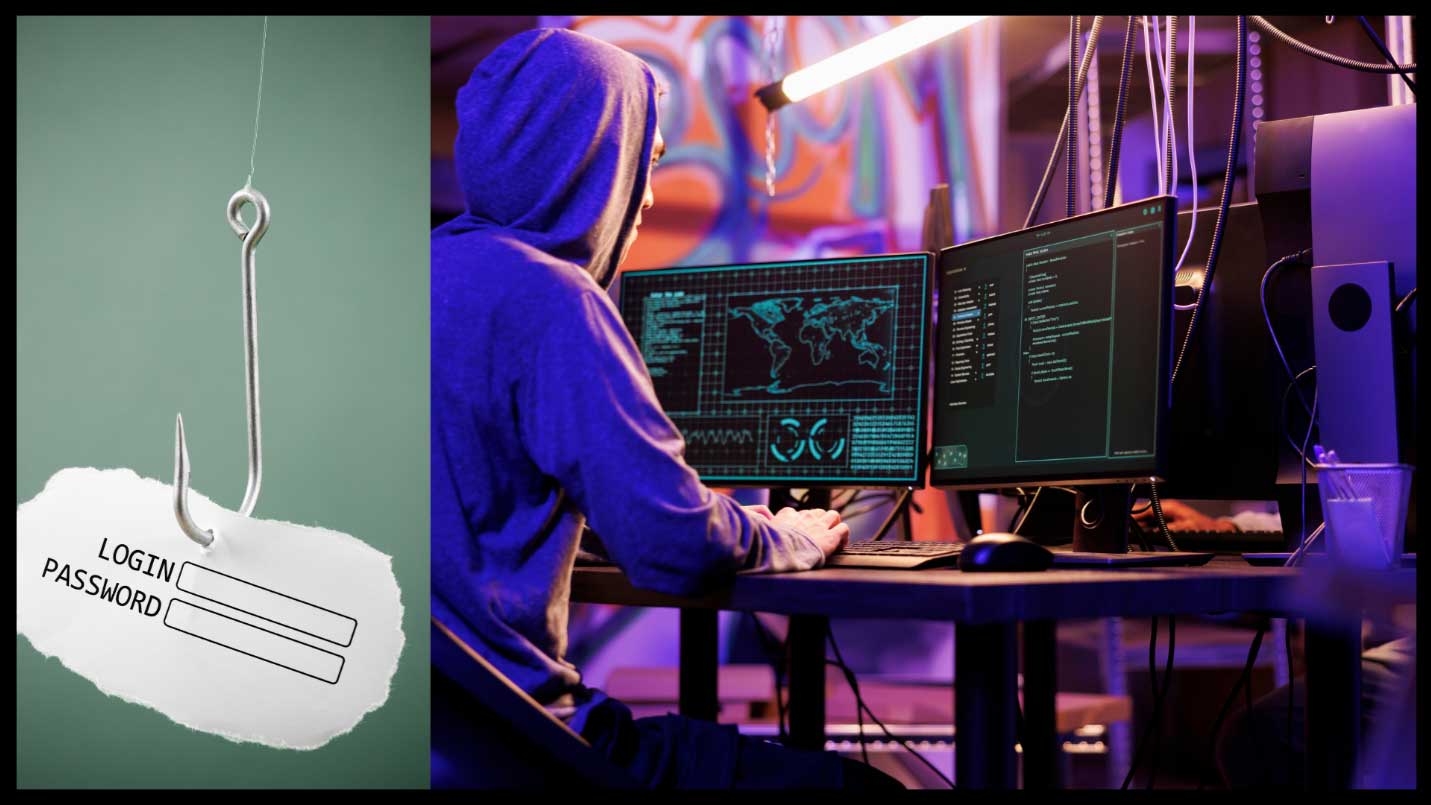
What Is Phishing?
Phishing is a common cyberattack where criminals trick individuals into revealing sensitive information—such as passwords, financial details, or personal data—by pretending to be a trusted entity. Small businesses are often targeted because hackers assume they have weaker security measures in place.
Common Types of Phishing Attacks
- Email Phishing – Fraudulent emails that appear to be from legitimate sources, urging employees to click on links or download attachments.
- Spear Phishing – Targeted phishing attacks that use personal details to trick individuals into trusting the message.
- Vishing (Voice Phishing) – Phone scams where fraudsters pose as business partners, IT support, or financial institutions.
- Smishing (SMS Phishing) – Fake text messages that try to steal personal or business information.
How to Prevent Phishing Attacks in Your Business
- Educate Employees on Phishing Scams
Conduct regular cybersecurity training to teach employees how to spot suspicious emails, links, and requests for sensitive data. - Verify Unusual Requests
If an email asks for a wire transfer, password reset, or sensitive business information, verify it through a phone call or another communication channel before responding. - Check Email Addresses Carefully
Hackers often use email addresses that look similar to legitimate ones (e.g., “support@paypa1.com” instead of “support@paypal.com”). Encourage employees to double-check sender details before clicking on links. - Use Email Filtering and Security Tools
Implement spam filters and email security software to block suspicious messages before they reach employees’ inboxes. - Enable Multi-Factor Authentication (MFA)
Even if credentials are stolen, MFA adds an extra layer of security by requiring a second form of verification, such as a code sent to a mobile device. - Avoid Clicking on Links or Downloading Attachments from Unknown Sources
Train employees to hover over links before clicking to see the actual URL and never open attachments from untrusted senders. - Report Phishing Attempts Immediately
Create a company-wide policy for reporting phishing attempts. If an employee receives a suspicious email, they should notify IT or the appropriate security contact immediately. - Regularly Update Security Software
Keeping your antivirus, anti-malware, and email security tools up to date helps prevent new phishing threats.
Final Thoughts
Phishing attacks can be costly, but with awareness and preventive measures, your small business can reduce the risk. Implement strong security practices and foster a culture of cybersecurity awareness among employees.